Products
Crystal Product Families For Screens, Walls & Interior Projects.
Choose from the catalog-based product families first, then open the matching detail page to review product views, applications, color options and project inquiry details.
Application & Installation
See What Crystal Can Become.
Compare the installation role first: crystal can become a screen, feature wall, space divider, entrance statement or hanging installation.
View Application Gallery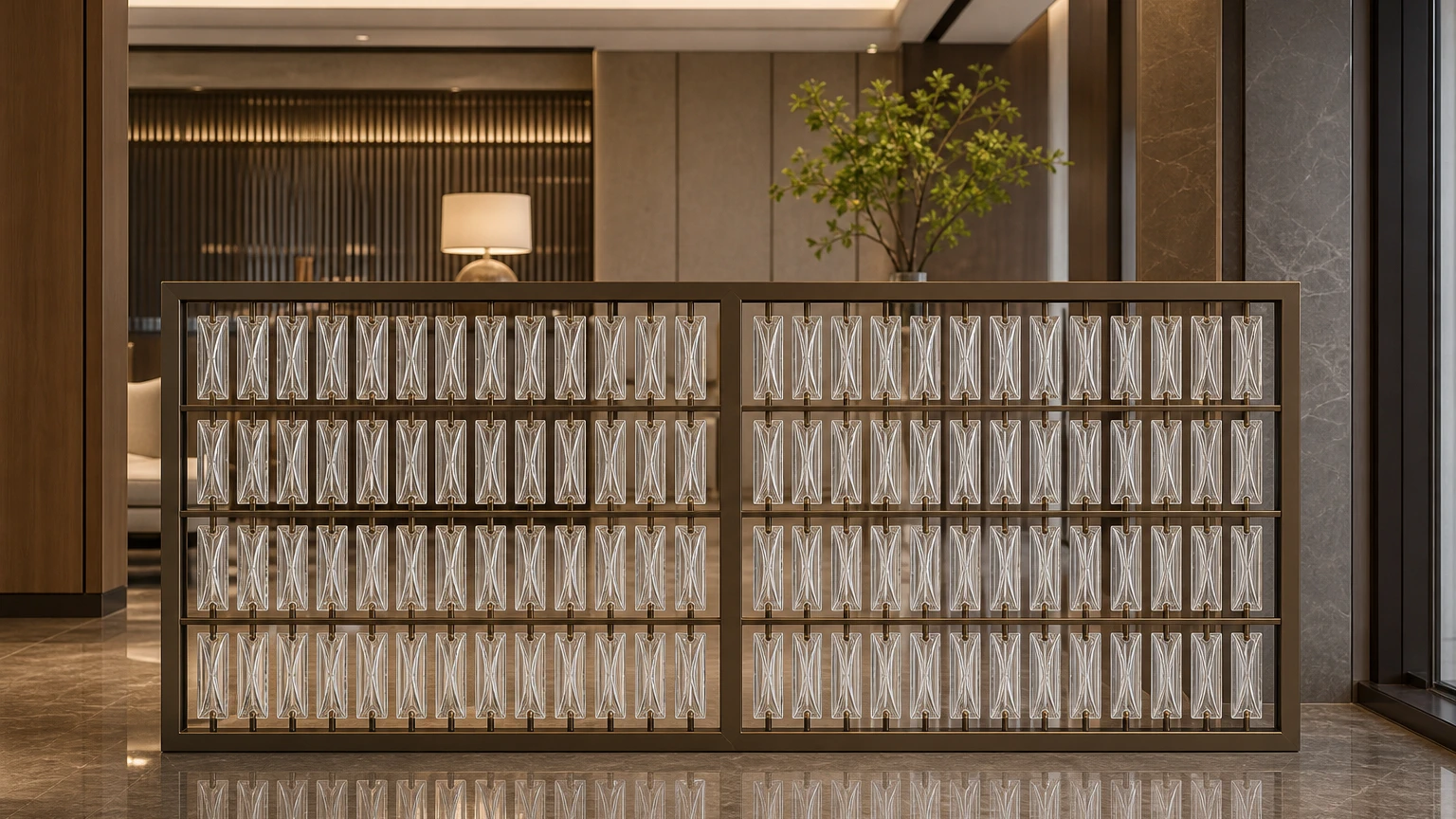
Crystal Screens
Create a luminous focal layer while maintaining visual openness.
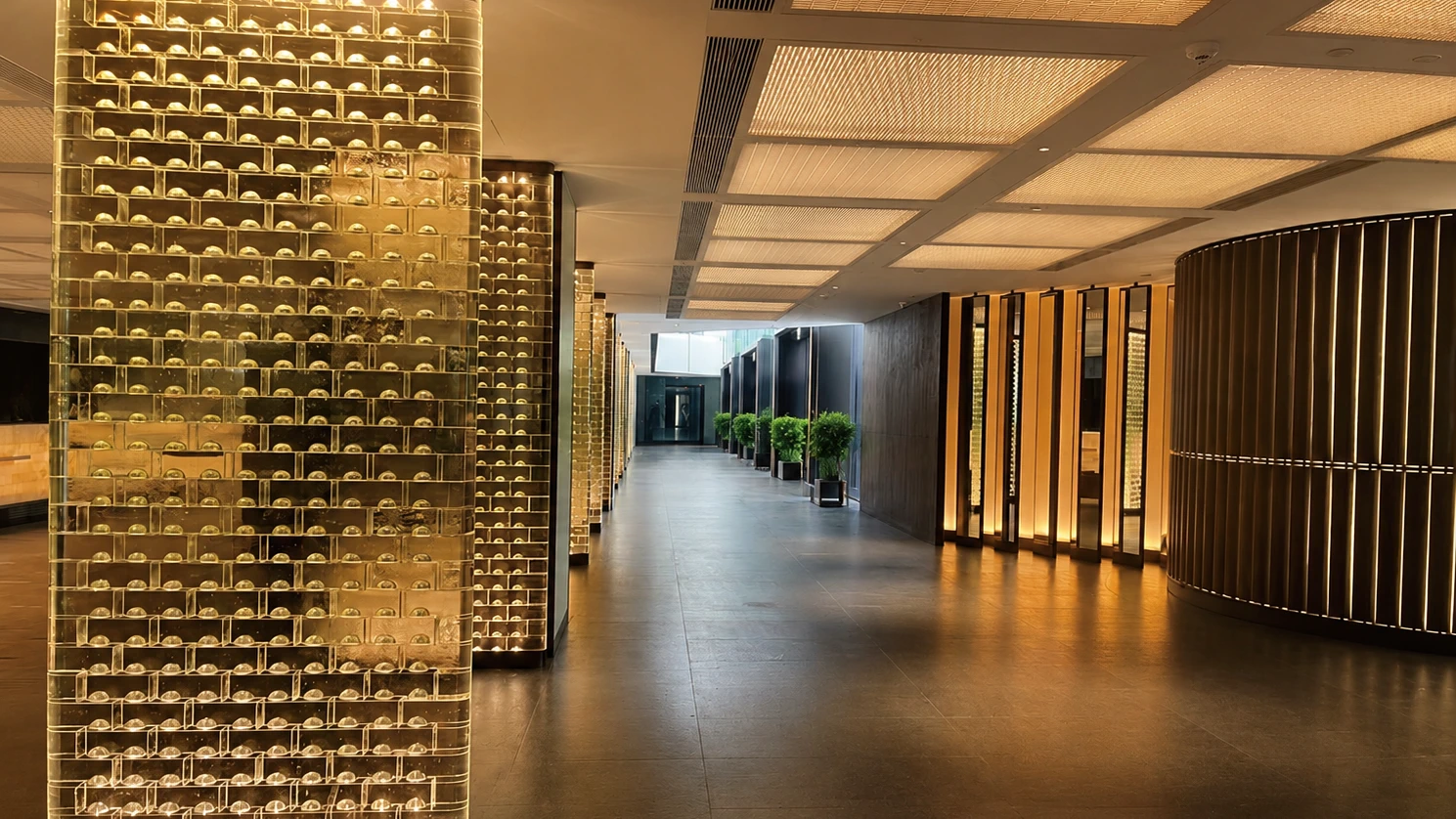
Feature Walls
Build a reflective backdrop for reception, dining and branded spaces.
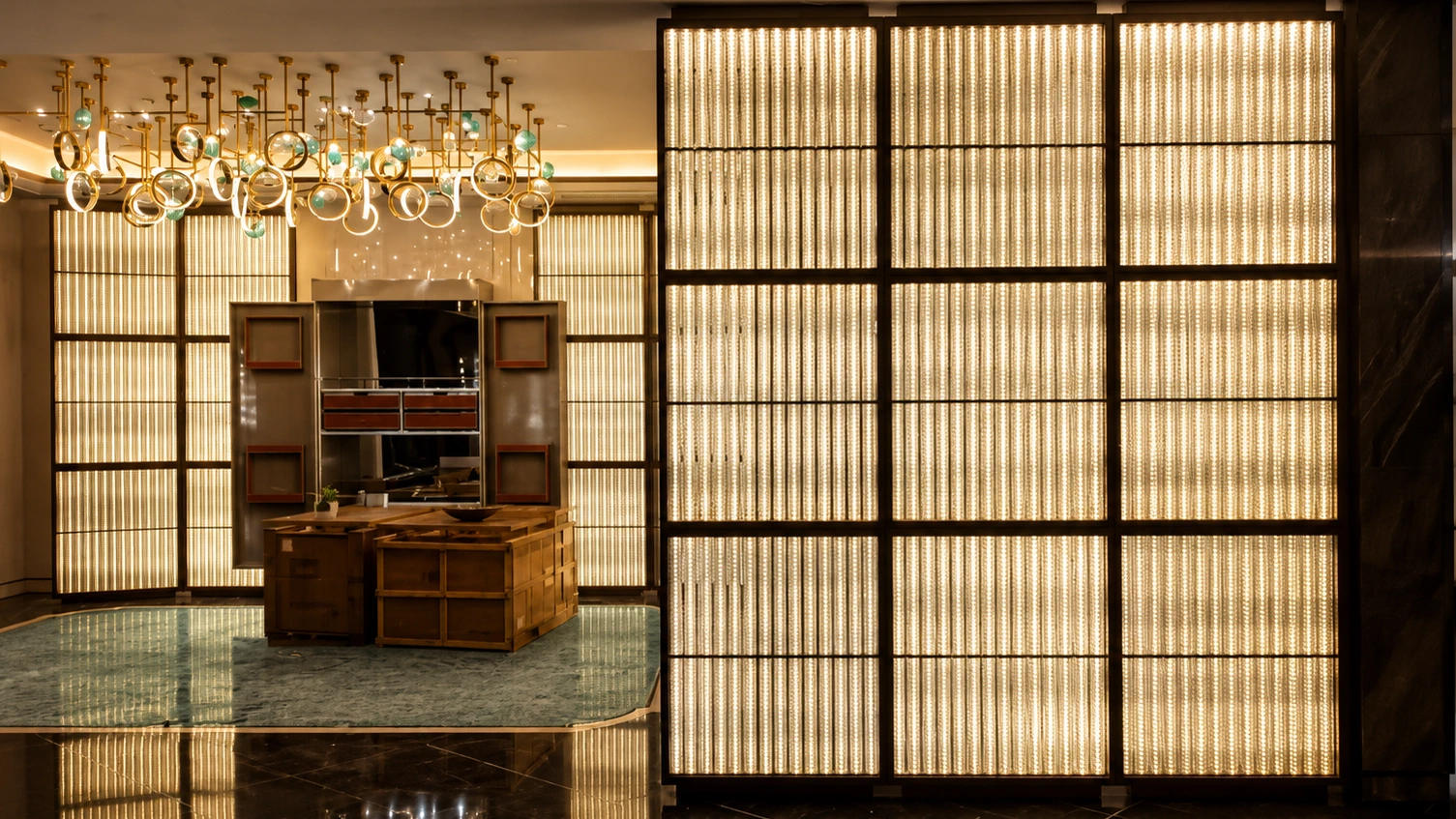
Space Dividers
Separate functional zones without closing off light and depth.
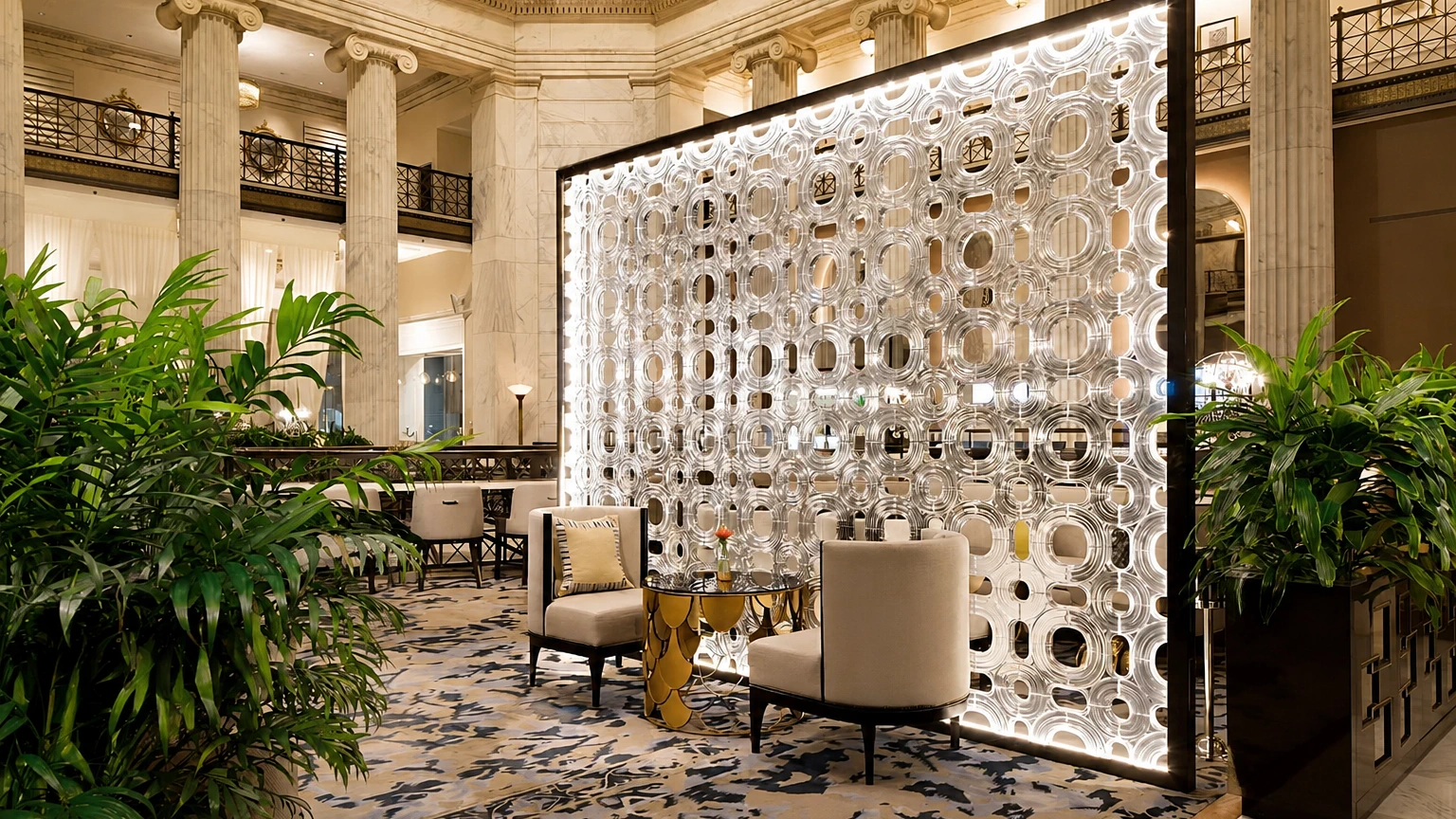
Entrance Features
Frame the first impression in hotel lobbies and club entrances.
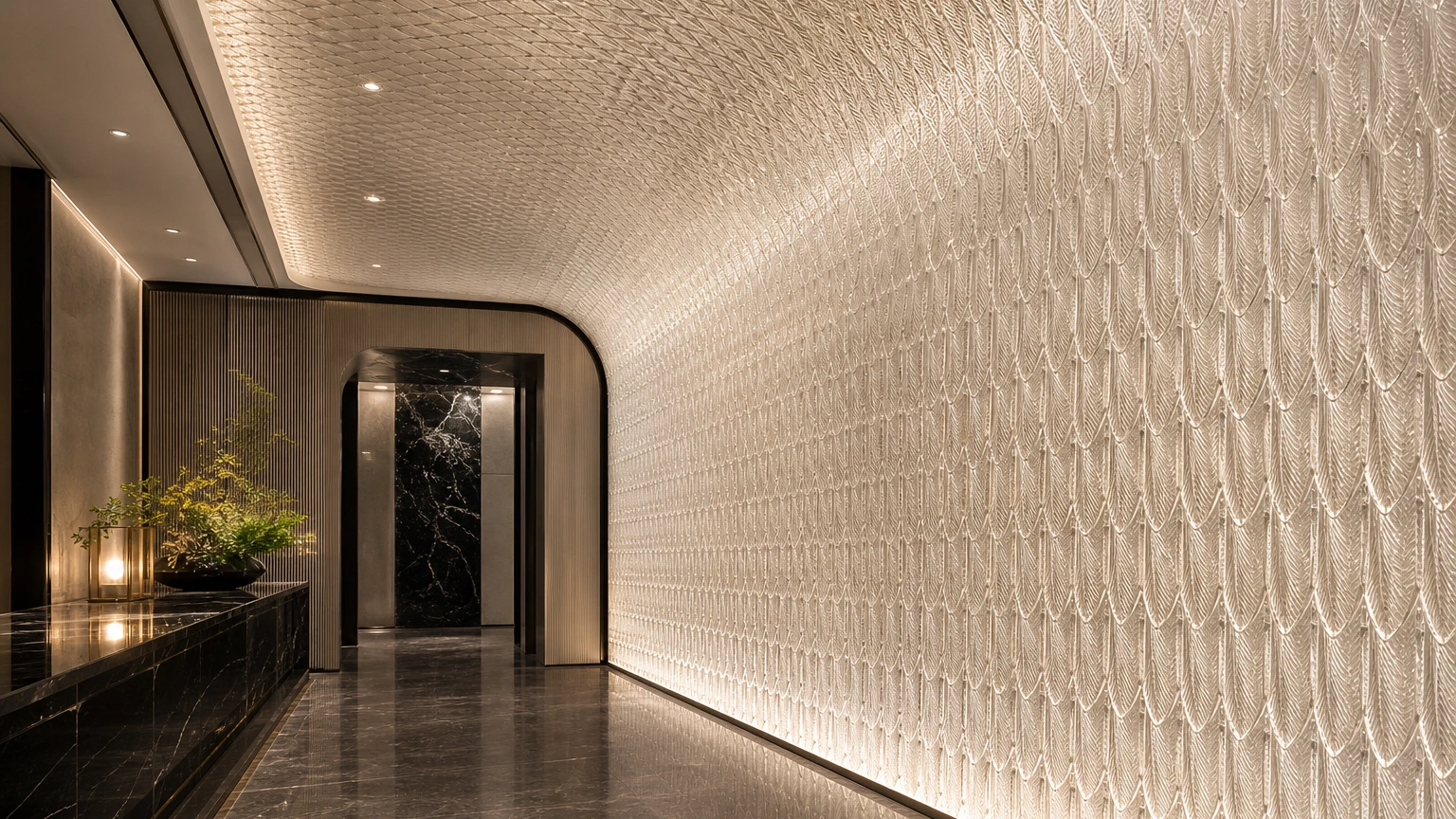
Hanging Installations
Add vertical rhythm above bars, lounges and transition areas.
Scenery By Venue
See Crystal Across Hospitality Spaces.
The same crystal system creates a different atmosphere in a hotel, restaurant or private club. See how it works with furniture, circulation and lighting.
Explore The Application Gallery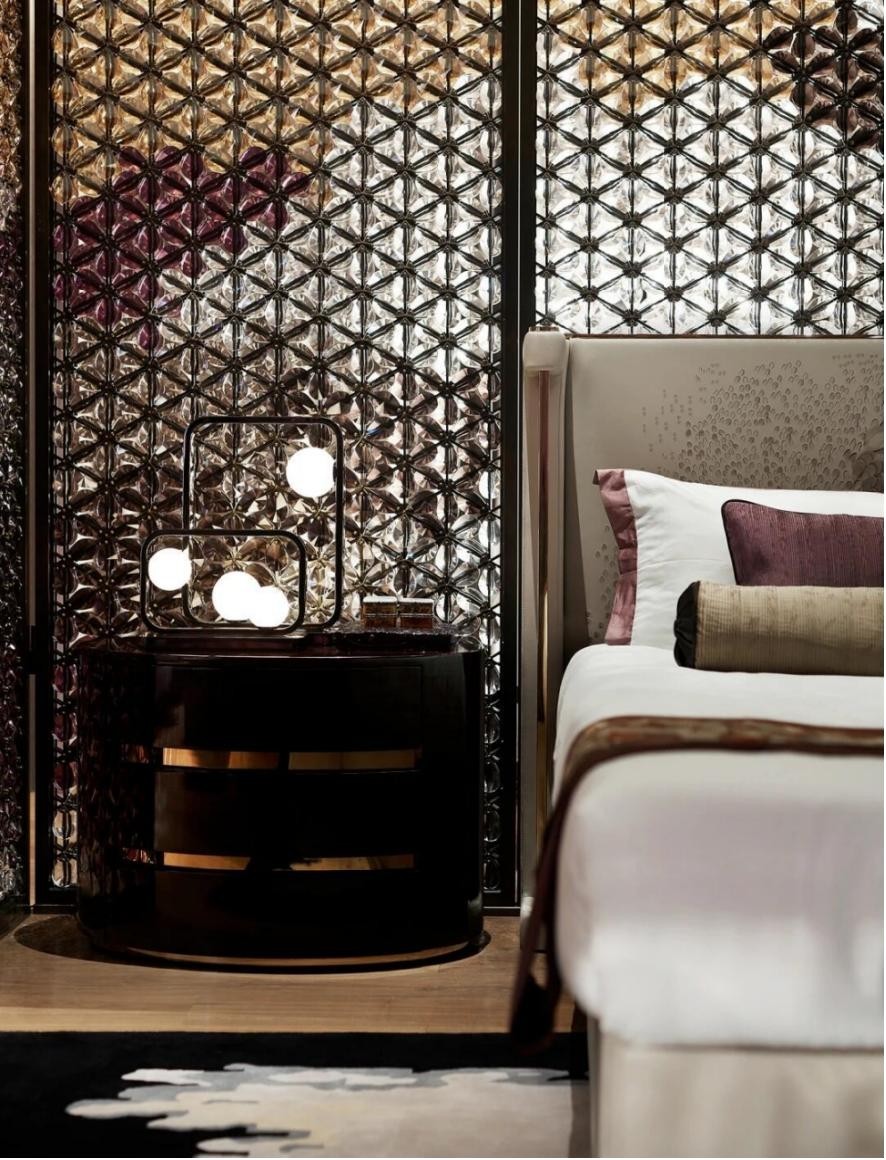
Hotel
A crystal screen adds privacy, light and a memorable finish to suites, guestrooms and lobby zones.
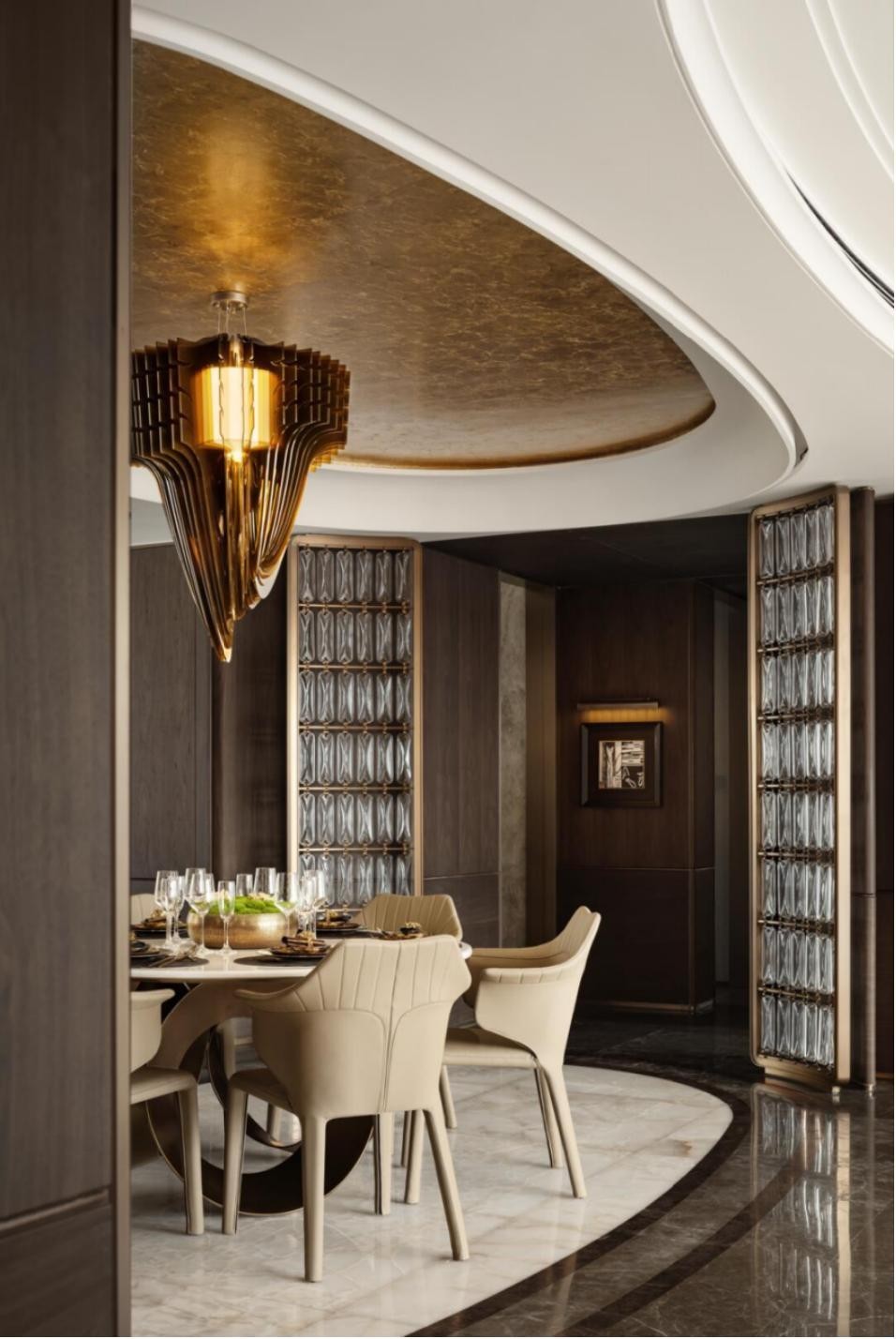
Restaurant
Tables and chairs stay at the center while crystal screens separate dining zones without closing the room.
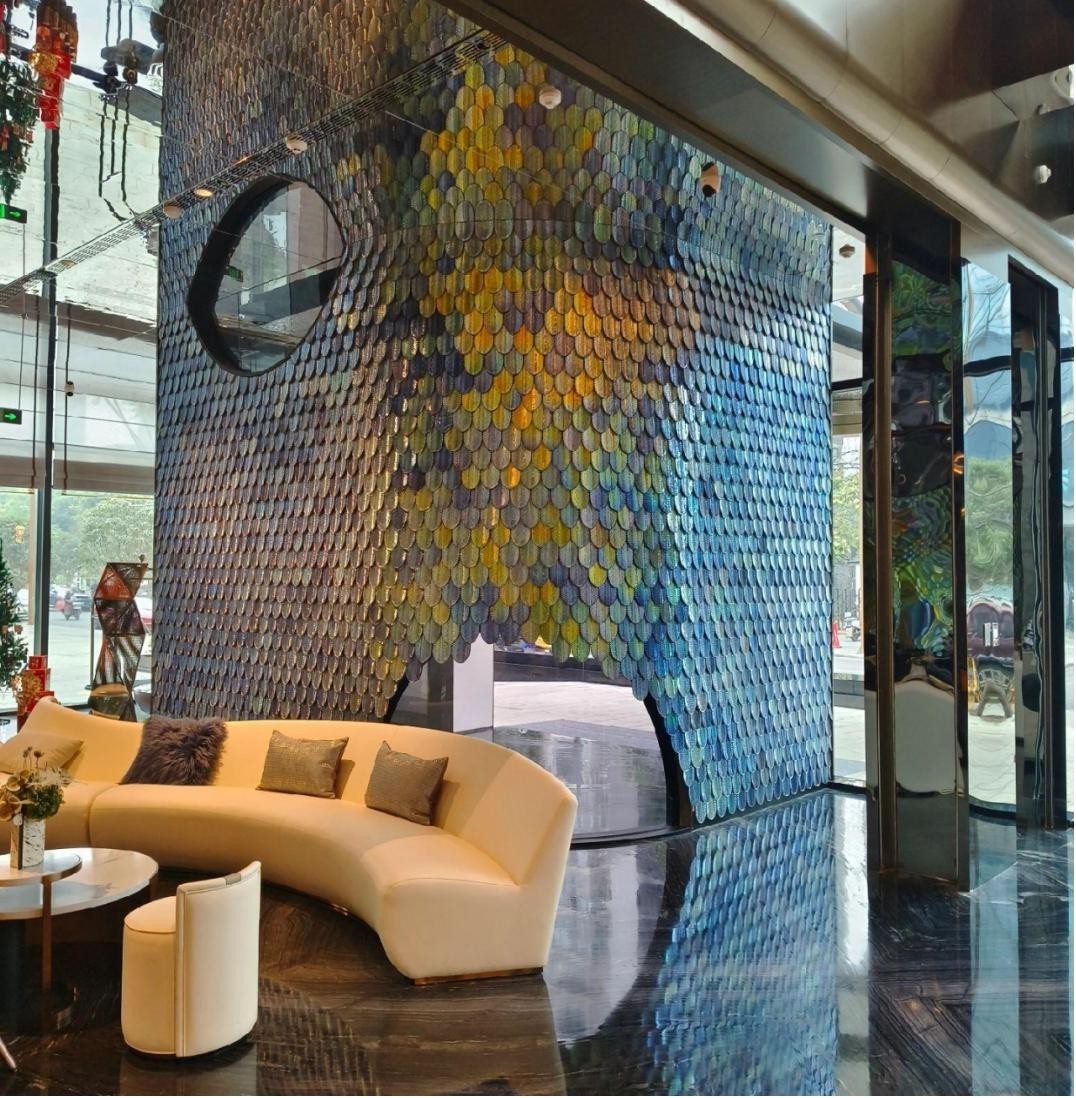
Club & Lounge
Color, reflection and lounge seating turn the crystal wall into part of the venue atmosphere.
Product Routes
Start From The Catalog Category.
Compare product families by form, visual effect and application, then open the relevant page to review image references and prepare a project inquiry.
Product Groups
Catalog-Based Crystal Categories.
Open a category when you already know the product direction. If the project is still open, start with the screen, wall or partition application and compare the nearby crystal families.
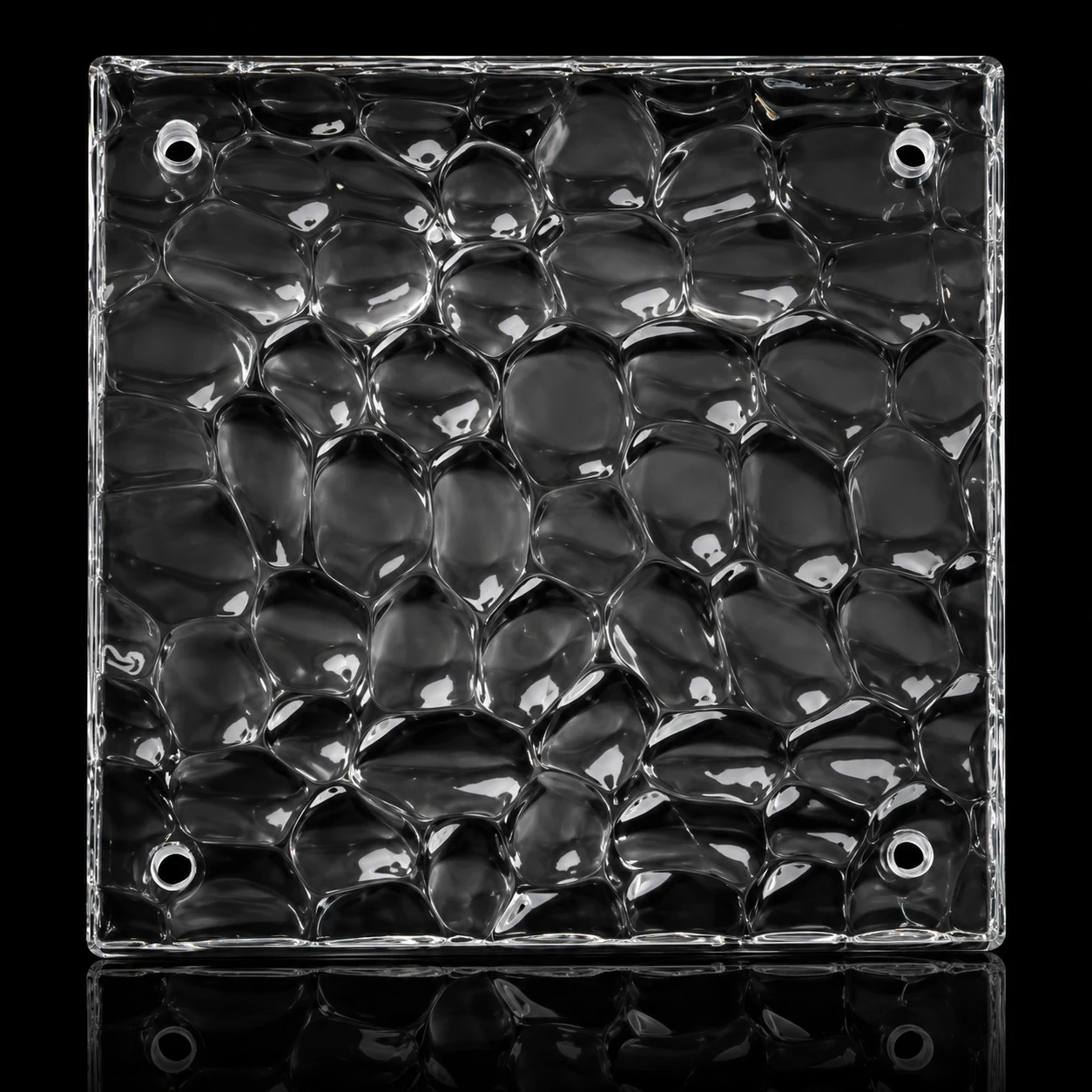
Square Crystal Panels & Modules
Square crystal modules for screens, walls and repeated decorative layouts.
View Category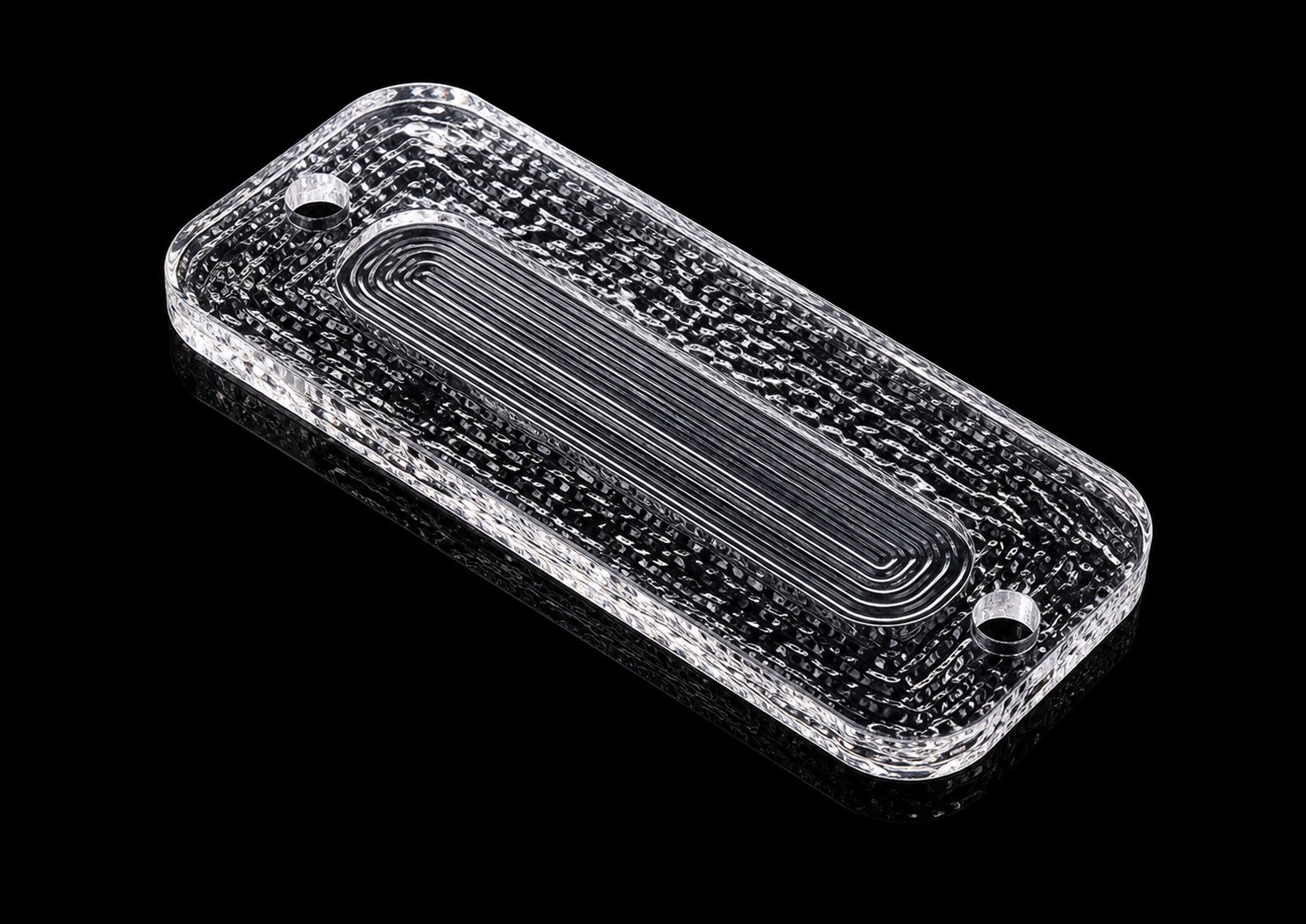
Rectangular Crystal Hanging Panels
Slim rectangular crystal panels for partitions, screen rhythm and linear wall features.
View Category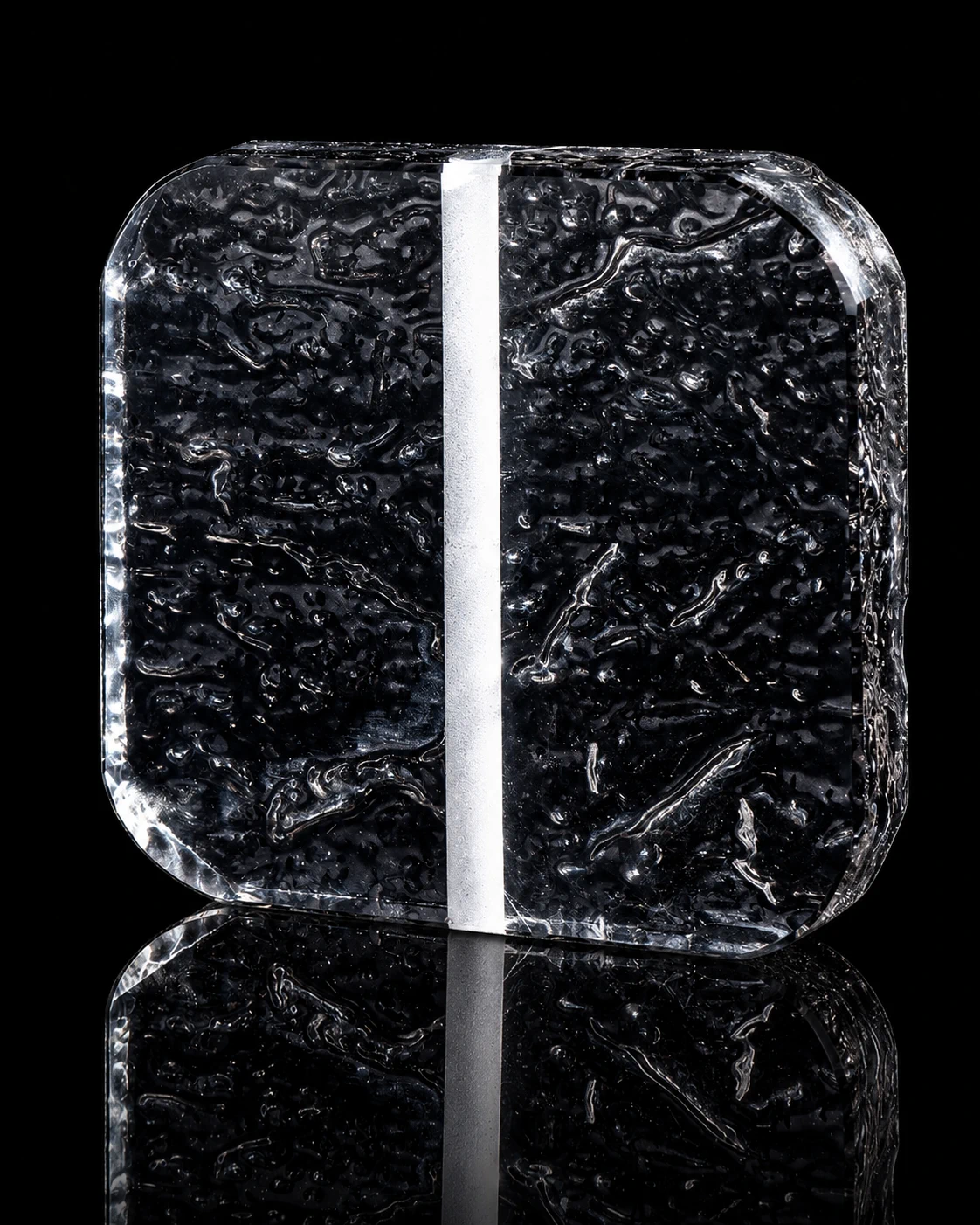
Tube-Linked Crystal Panels
Crystal panels designed for tube-linked hanging and modular screen compositions.
View Category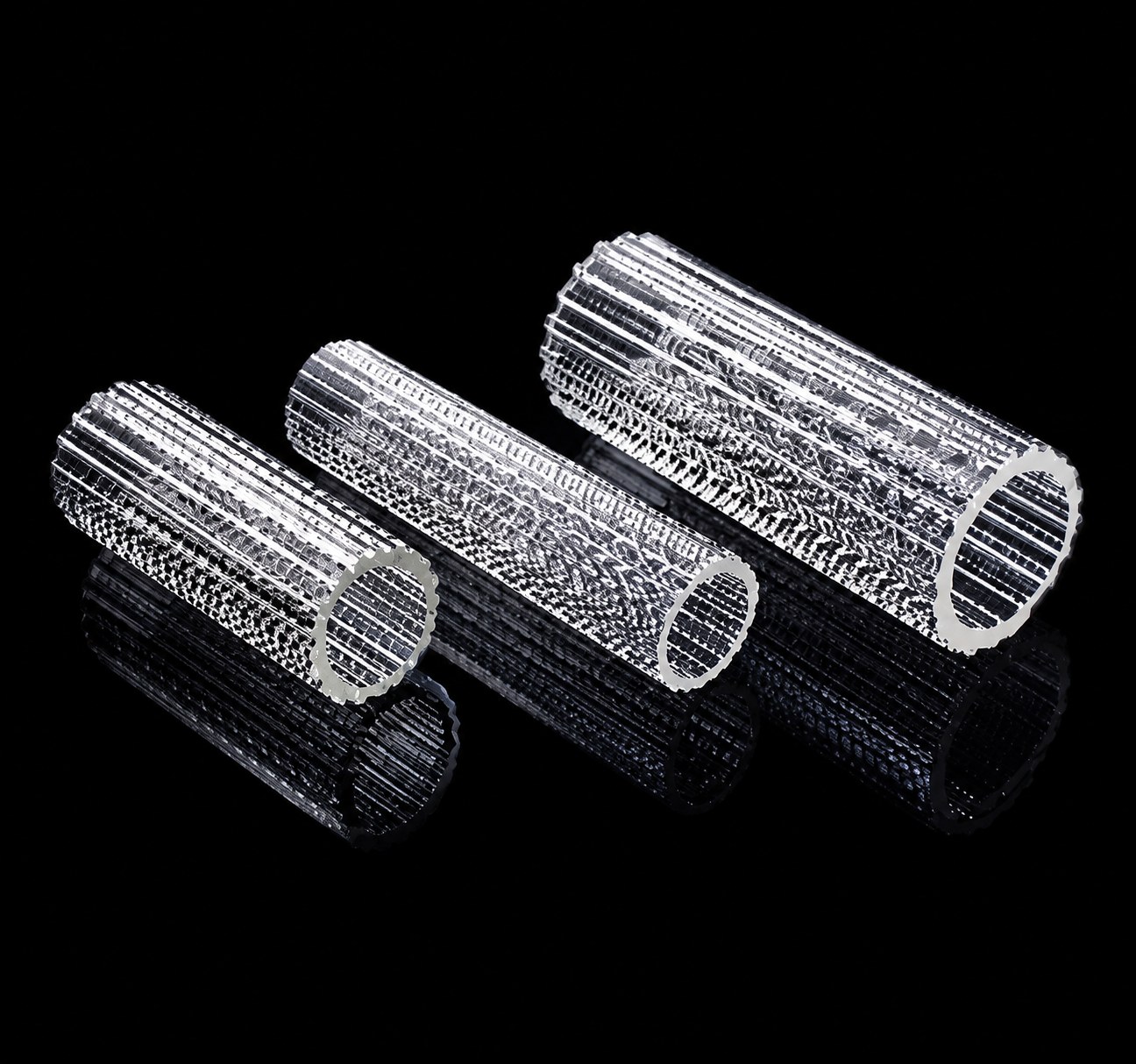
Crystal Tubes & Bars
Crystal tubes, bars and spindle forms for vertical rhythm and decorative systems.
View Category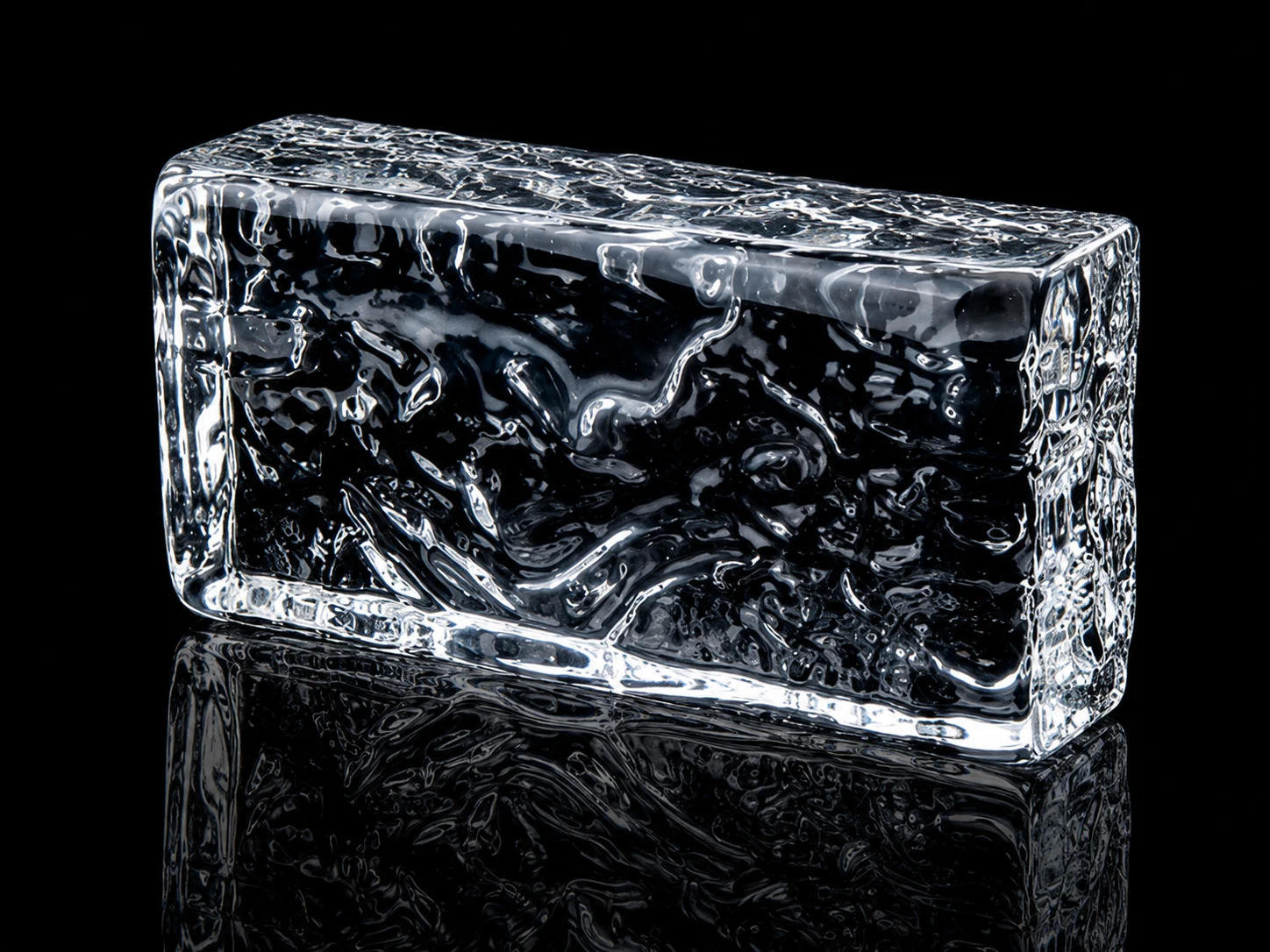
Crystal Bricks & Blocks
Thicker crystal brick and block forms for bold partitions, walls and light surfaces.
View Category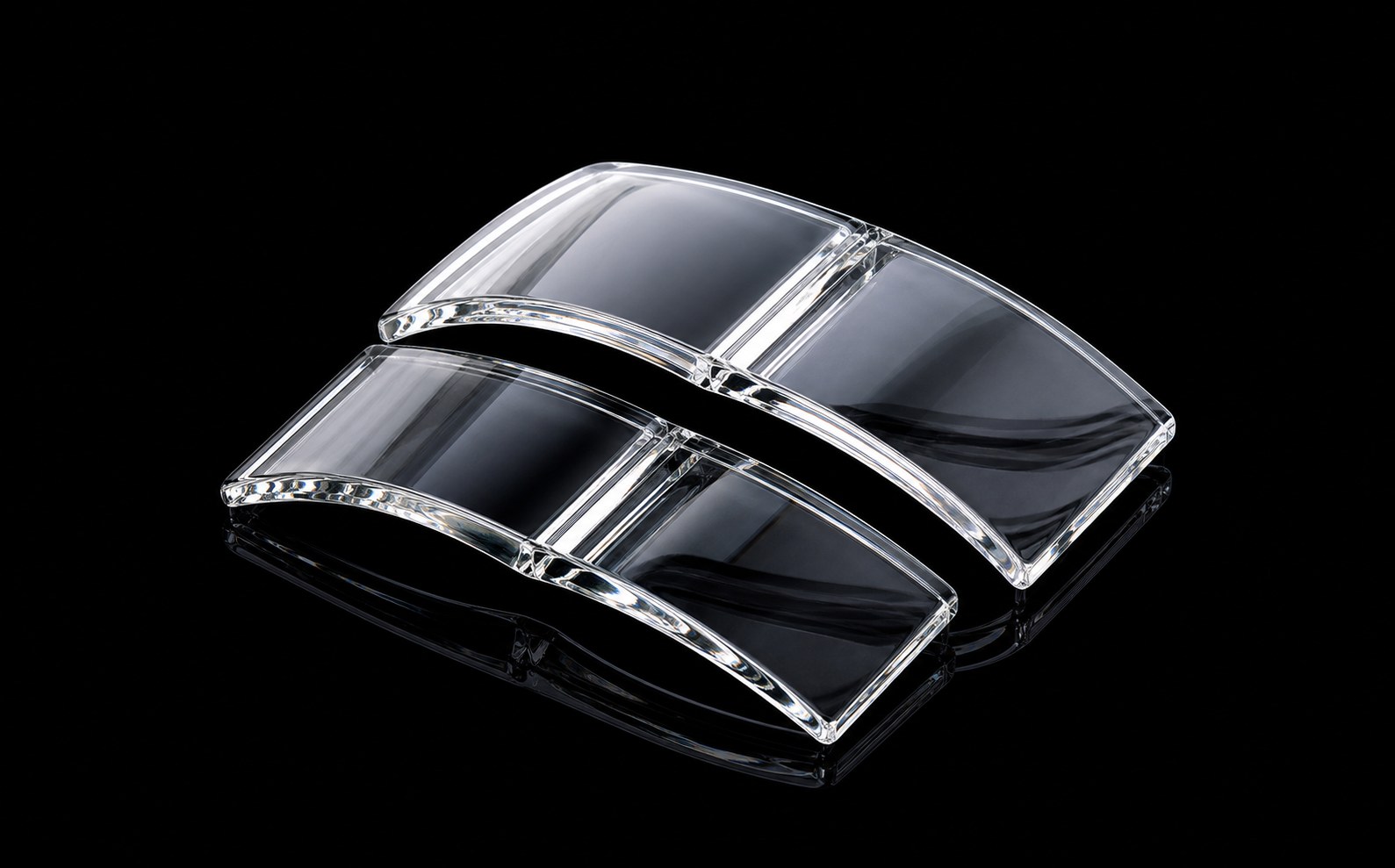
Curved Crystal Tiles
Curved crystal tile surfaces for reflective walls and layered decorative panels.
View Category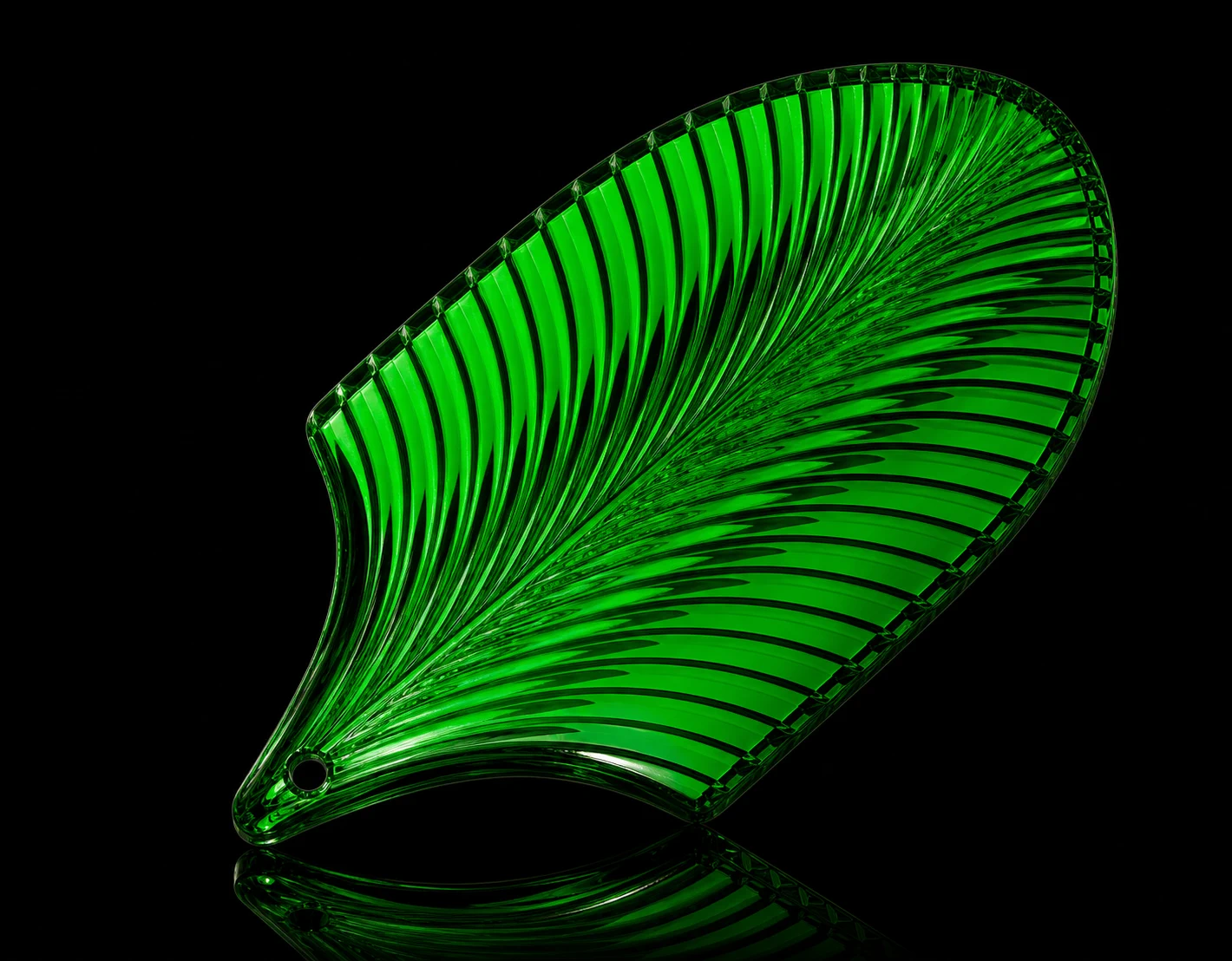
Feather & Leaf Crystal Panels
Feather and leaf-shaped crystal panels for softer decorative partitions.
View Category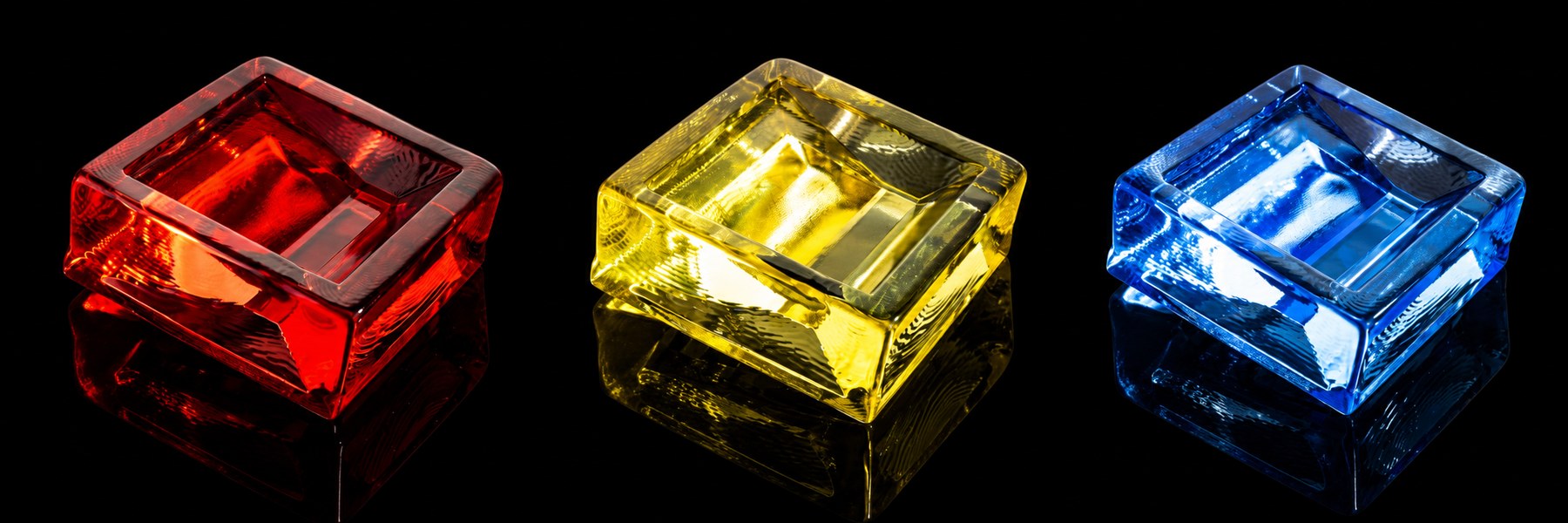
Shaped Crystal Modules
Special crystal module shapes for custom screen patterns and decorative layouts.
View Category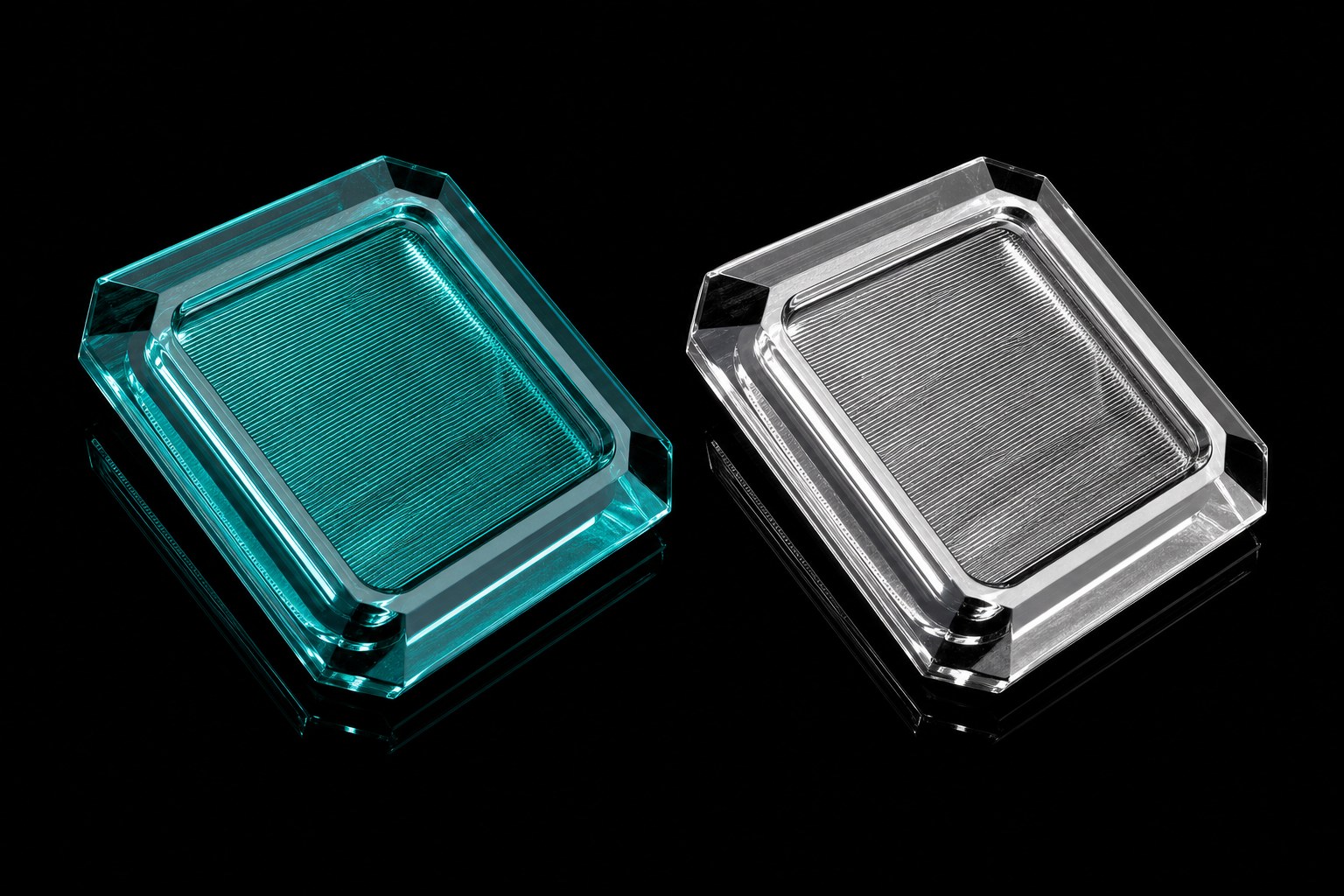
Fiber Optic Crystal Panels
Fiber optic texture crystal panels for clean light effects and partition systems.
View Category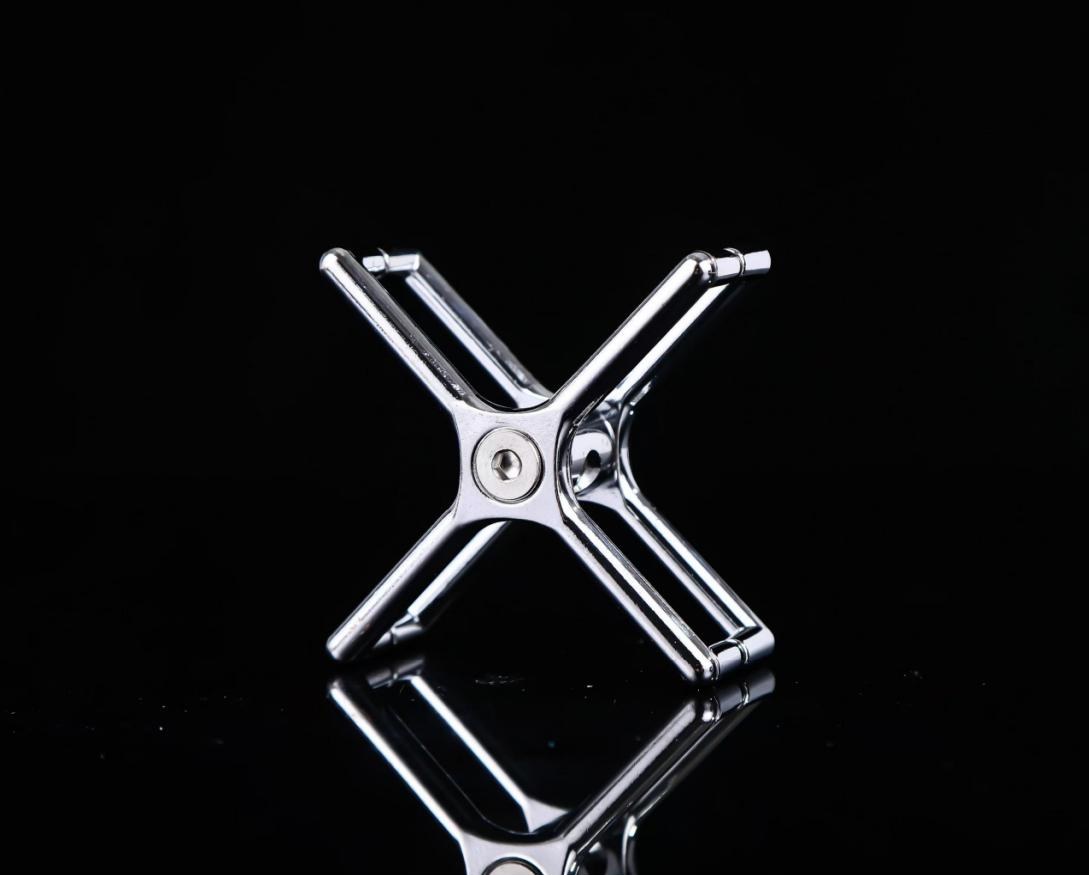
Crystal Fixing & Suspension Systems
Connectors, suspension parts and frame accessories for buildable crystal systems.
View CategoryHow To Choose
From Product Element To Finished Screen.
For most projects, the product decision is not only one crystal shape. It also includes density, transparency, fixing accessories, frame color and the final screen or wall application.
Start With The Application
Decide whether the project is a screen, wall feature, hanging decoration, entrance display or glass brick partition.
Choose The Main Piece
Select the square, strip, round, tile, feather, leaf or brick direction that gives the right light effect.
Match The Structure
Add accessories, stainless steel frame color, cable route, top fixing or side fixing according to the site condition.
Project Support
From Direction To Quotation.
Once a product category is selected, LMC Crystal can review the layout, accessory route, frame finish, packing method and export delivery requirements.
FAQ
Product Questions Before Inquiry.
These answers help visitors decide whether to browse the catalog, open a category page, or send project details for review.
Can small retail orders and project orders use the same page?
Yes. Product categories support small batch selection, sample review and larger screen or wall projects. The inquiry details simply become different.
Where should a visitor start if they want a screen?
Start with Square Crystal Panels & Modules, Rectangular Crystal Hanging Panels, Tube-Linked Crystal Panels or Fiber Optic Crystal Panels, then confirm accessories and frame direction.
Are model references final for every project?
Short references help compare product families. Final model names, quantities and finishes are aligned with the complete catalog and project details before quotation.
Should visitors open the catalog or send an inquiry first?
If they are still choosing a direction, open the catalog preview. If they already have a size, drawing or target effect, send the project details.
Process
From Product Choice To Delivery.
The same process works for retail decorative orders and larger interior projects, with more detail added as the project becomes clearer.
Start from a catalog family or application direction.
Send size, quantity, image, drawing or installation notes.
Review crystal, accessories, frame color and fixing method.
Align model, quantity, packing and export delivery route.
Manufacture, pack securely and arrange shipment.